
Summary:
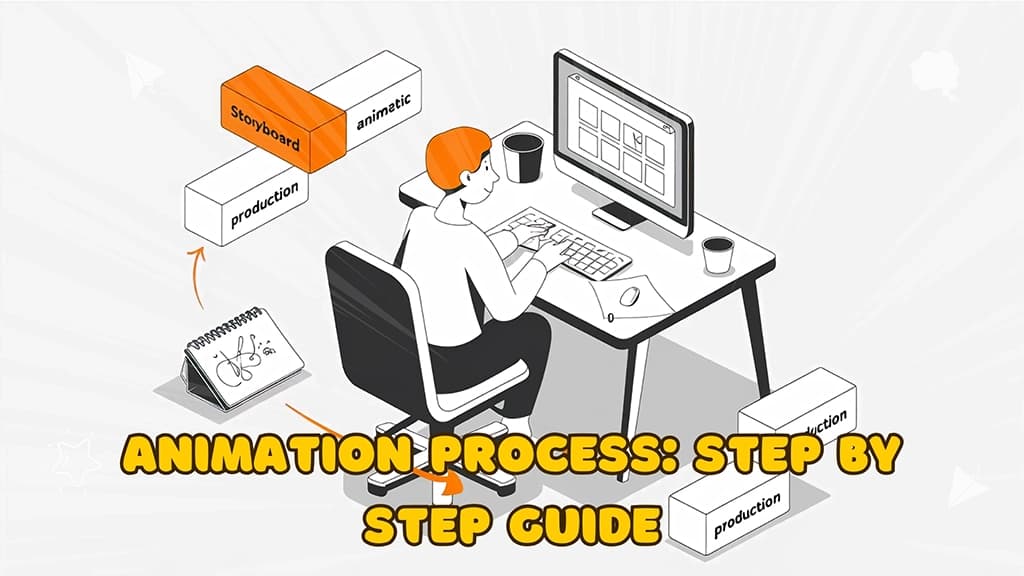
Let's follow the step-by-step guide to take you through each step of making an animated masterpiece.
- Pre-Production Phase - The crucial planning stage where your vision takes shape
- Production Phase - Where artistry meets technical expertise to create magic
- Post-Production Phase - Fine-tuning and polishing for perfect delivery
- Animation Styles and Techniques - Exploring various approaches to tell your story
- Project Timeline Management - Keeping your project on track and on schedule
- Budget Planning - Understanding costs and maximizing your investment
- Final Thoughts - Key considerations for your animation journey
- FAQs - Answers to common animation production questions
Let's follow the step-by-step guide to take you through each step of making an animated masterpiece.
Pre-Production Phase: Laying the Foundation for Success
The pre-production of an animation project is like the architectural blueprint where great ideas meet actionable plans. It goes without saying that oft-neglected planning will break or make your whole animation project; not surprisingly, although few people know, proper pre-production planning could also save up to 30% of costs from the overall production.
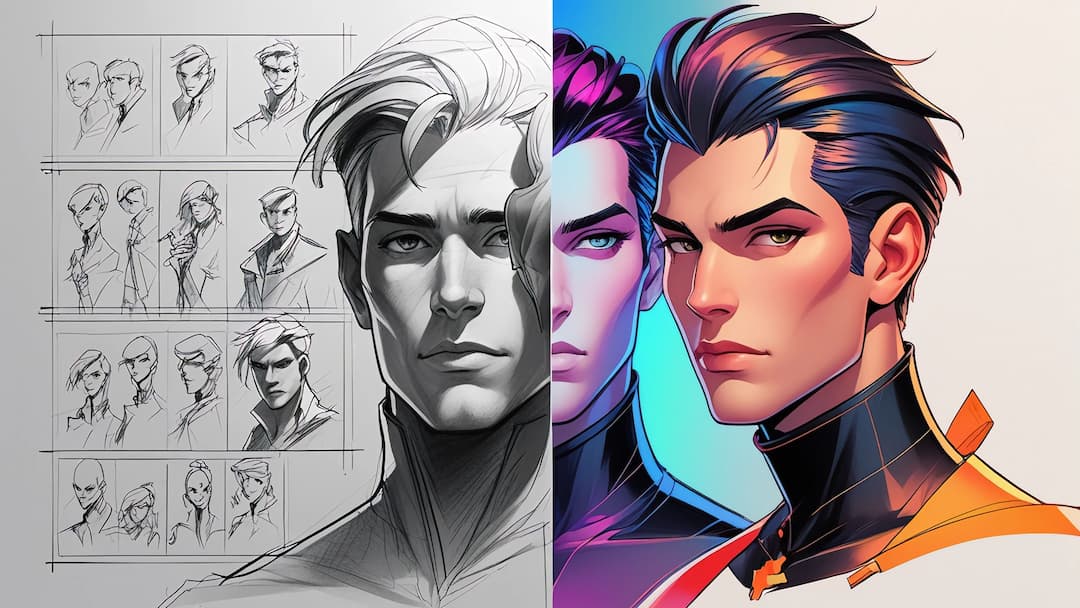
1. Creative Brief Development:
Every successful animation starts with a clear creative brief. This document outlines your project's objectives, target audience, and key messages. According to a 2024 industry report, projects with detailed creative briefs are 75% more likely to meet their objectives.
Key elements to include:
- Project Goals and Objectives - Clear, measurable outcomes you want to achieve with your animation
- Target Audience Demographics - Detailed profile of who you're creating the animation for
- Key Messages and Call-to-Action - Core communication points and desired viewer response
- Timeline and Budget Constraints - Realistic Parameters for Project Completion
- Brand Guidelines and Preferences - Visual and tonal requirements to maintain brand consistency
2. Script Writing:
The script is your animation's blueprint. It needs to be concise, engaging, and perfectly timed. A good rule of thumb is 150 words per minute of animation.
Pro Tip: Read your script aloud to check its flow and timing. This simple step can save hours of revision later.
Pro Tip: Read your script aloud to check its flow and timing. This simple step can save hours of revision later.
3. Creating the Storyboard:
Your storyboard transforms words into visual concepts. Think of it as your animation's comic book version. Each panel should clearly show:
- Camera angles
- Character positions
- Scene transitions
- Key actions
- Timing notes
Production Phase: Bringing Ideas to Life
Production is the point where your animation starts to take shape; it is that exciting period when concepts pop into real, tangible visual form and static designs spring into motion. It needs an ideal mix of creative artistry and technical precision for faultless execution of your vision.
Below is the magic—from paper to pixels, this is where illustrators, animators, and sound artists collaborate. Statistics show this phase alone usually takes about 60% of your total project timeline and makes this the most resource-intensive part of the animation process.
Below is the magic—from paper to pixels, this is where illustrators, animators, and sound artists collaborate. Statistics show this phase alone usually takes about 60% of your total project timeline and makes this the most resource-intensive part of the animation process.
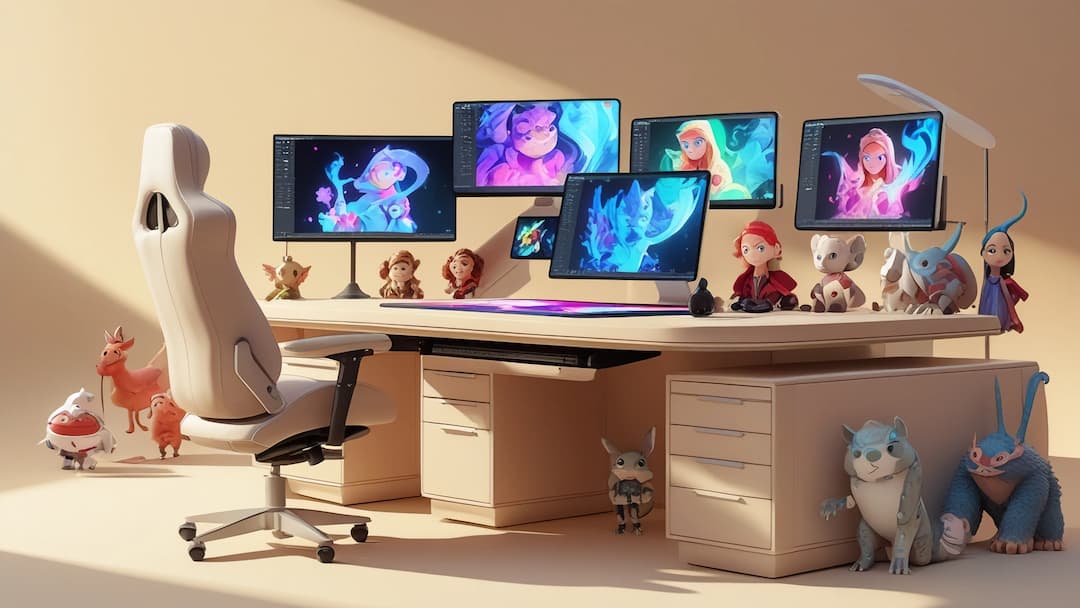
4. Asset Creation:
This stage involves designing all visual elements:
- Character designs
- Backgrounds
- Props
- Color palettes
- Typography
5. Animatic Development:
The animatic is your rough animation draft. It combines storyboard frames with basic timing and movement. This crucial step helps identify potential issues before full animation begins.
6. Animation Production:
Now comes the magic! Animators bring your story to life through:
Did You Know? A single second of animation typically contains 24-30 frames!
- Character animation
- Scene transitions
- Special effects
- Motion graphics
- Camera movements
7. Voice Over:
Recording Professional voice talent adds personality to your animation. Consider:
- Tone and style matching
- Multiple language versions
- Timing synchronization
- Sound quality standards
Post-Production Phase: Polishing Your Animation to Perfection
Think of post-production as the garnish of a great culinary masterpiece—the place where each prepared component is brought together, polished, and balanced in order to make viewing perfect. This stage will take a good animation and turn it into a great one by adding in those finishing touches that make your content really shine.
Industry experts maintain that nearly 40% of an animation's perceived quality is created in post-production. It is the place where all the technical precision meets artistic finesse, where every frame, sound, and transition works in harmony.

8. Sound Design:
Great sound design can make or break your animation:
- Background music
- Sound effects
- Audio mixing
- Volume balancing
9. Final Rendering:
The rendering process brings all elements together:
- High-quality output
- Multiple format versions
- File optimization
- Quality checks
10. Delivery and Distribution:
The final step ensures your animation reaches its audience:
- Format optimization
- Platform-specific versions
- Backup copies
- Distribution strategy
Animation Styles and Techniques
Let's now discuss animation styles and techniques:
- 2D Animation Traditional 2D animation remains popular for:
- Explainer videos
- Corporate presentations
- Social media content
- Educational materials
- 3D Animation Modern 3D animation offers:
- Realistic product demonstrations
- Virtual tours
- Character animations
- Architectural visualizations
- Motion Graphics Perfect for:
- Data visualization
- Logo animations
- Title sequences
- Infographic videos

Project Timeline Management
Typical animation project timeline:
- Week 1-2: Pre-production
- Week 3-4: Asset creation
- Week 5-8: Animation
- Week 9-10: Post-production
Budget Planning
Animation costs vary based on:
- Style complexity
- Length
- Quality requirements
- Timeline constraints
- Basic animation: $3,000-$8,000/minute
- Premium animation: $8,000-$50,000/minute
- Custom character animation: Additional 30-50%
One can use CustomBazaar to create great Custom Chacaters.
Final Thoughts
The process of creating an animation, way back from its conceptualization, is in itself a journey that includes careful planning, creativity, and technical expertise. With this guide, you would be better prepared as you set on to navigate the process involved in animation, thereby coming out with content that actually resonates well with your intended audience.

FAQ:
- What are the factors that influence animation costs? The major factors include the length of the project, complexity of style, character design requirements, and timeline. Premium animations featuring custom characters with complex movements normally tend to be priced a bit more rather than simpler motion graphics.
- How long does it usually take to create an animation project? Most professional animations take from six to twelve weeks from conception to completion. Simpler projects might take 4-6 weeks, but more complex animations extend beyond three months.
- Are changes possible once the animation begins? Yes, but it is the least costly method of implementing changes before the work moves into production. Large changes in the animation phase have a tremendous effect on both timeline and budget.
- What is the maximum duration of an animated video? This means that for marketing videos, the length should not exceed 60 to 90 seconds. For educational content, a length of 2 to 3 minutes works, and for social media animation videos, it should be short, less than 30 seconds for maximum engagement.
- What file format does it come in? Other standard deliverables would also include MP4 H.264 for web use, ProRes for broadcast, and various social media-optimized versions.







.png&w=128&q=75)